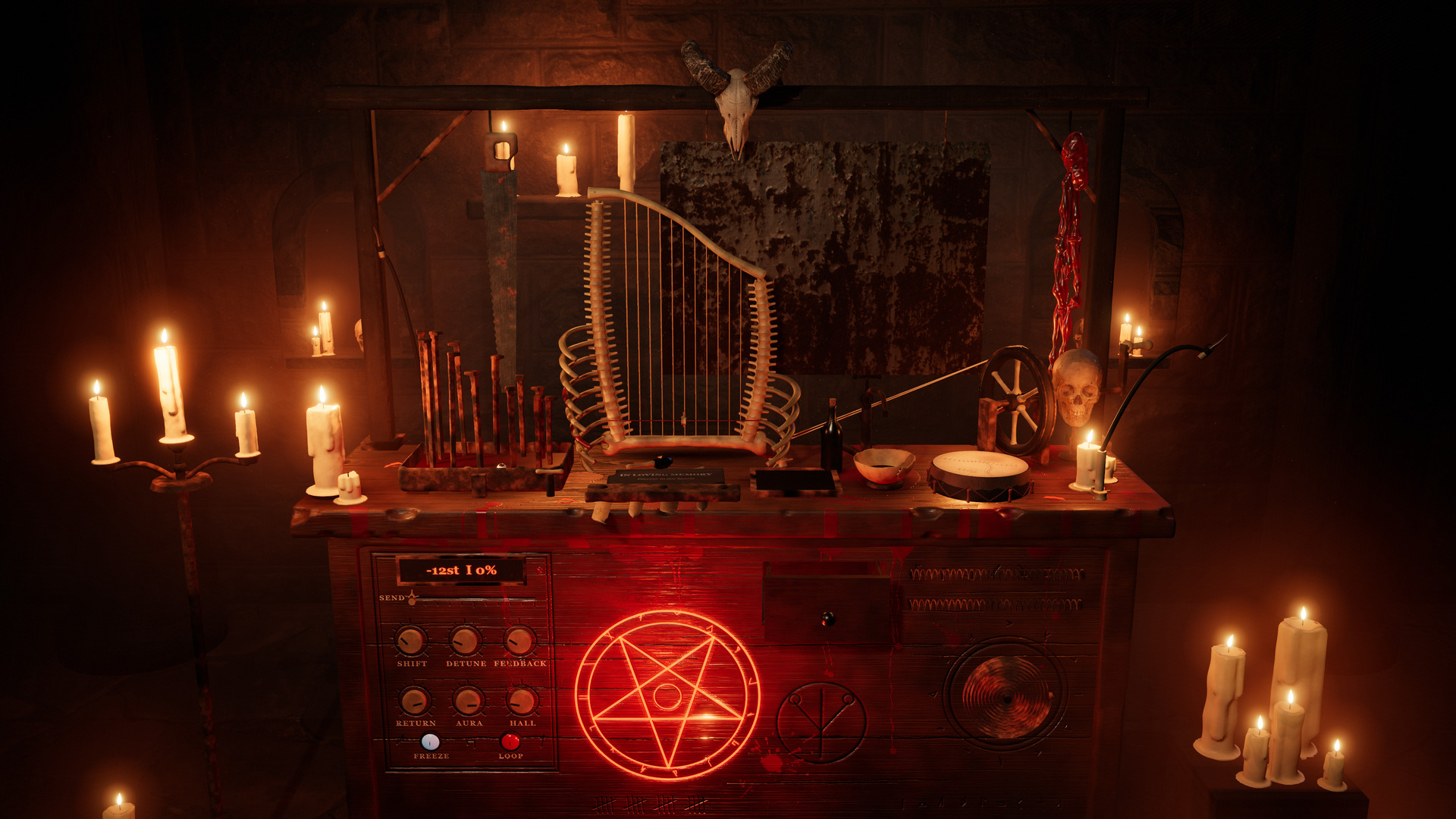
A playable machine for horror sound: nine physical models on one resonant box, with no samples.
It is a software take on the idea of the Apprehension Engine (Mark Korven and Tony Duggan-Smith). It is not affiliated with them, and uses none of their recordings or images.
The page opens on the Surface, a gesture pad for the selected voice, so you can play at once. The Machine is a 3D view of the same instrument (Workshop or Altar skins; only the look changes). Drag with the mouse or a pen; Shift is a harder touch, Alt a softer one.
The full voices, knobs, keys, looper and recording notes are in the instrument guide and FX and looper.
Use a current desktop Chrome or Edge (Firefox should work; Safari is untested). The Machine needs WebGL; the audio needs Web Audio. Headphones or decent speakers help: a lot of this lives below 60 Hz. Everything runs in your browser, with no account. A Release zip also works offline: unzip, open index.html, press Start audio.
Horror Engine · Séance is the same engine as a VST3 and CLAP instrument: the spirit-board Surface, the nine voices, macros, Moments and a looper that can sync to the host's tempo and bars. There is no 3D machine. Every knob is a host parameter.
Download the plugin-v1.0.14 release. Use HorrorEngine-Seance-1.0.14-Windows-MinGW.zip (recommended: this is the build already used in FL Studio). The …-Windows-MSVC.zip is the GitHub Actions build; it passed automated validation but has not yet been load-tested in a DAW. It is also on itch.io.
Horror Engine.vst3 folder to C:\Program Files\Common Files\VST3\.Horror Engine.clap to C:\Program Files\Common Files\CLAP\ (create that folder if needed). FL Studio supports CLAP from 2024.1.Then, in FL Studio:
In other DAWs, rescan plugins and add it as an instrument on a MIDI track.
Play from the piano roll or a MIDI keyboard, or drag on the board. YES / NO / GOODBYE are on the board (GOODBYE, or Esc, is a hard stop). The looper can follow the host's tempo when Sync to host is on (it is, by default). Computer-keyboard shortcuts are off until you turn them on in the plugin menu, so FL Studio keeps Space and the letter keys.
Delete the copied Horror Engine.vst3 folder and, if you installed it, Horror Engine.clap, then rescan (or remove the entry from FL Studio's Plugin database). That does not remove your projects or starred presets.
Limits. Windows only (64-bit). Tested in FL Studio. Other DAWs should work after a rescan, but have not been load-tested yet. Source is on the vst-plugin branch. The plugin is AGPLv3; see the plugin README.
The web app is by Garyck Arntzen (@_mintydoge), MIT licence. The Séance plugin is AGPLv3.
The beam-mounted goat skull on the Altar skin is "Goat Skull" by Bohnen, CC BY 4.0.
Textures, fonts, three.js and other third-party notices are in CREDITS.md. What changed is in the changelog. How to build, test and run it from source is in docs/DEVELOPING.md.